WindowsHigh CPU Usage After Windows 11 Update: Find the Cause Safely
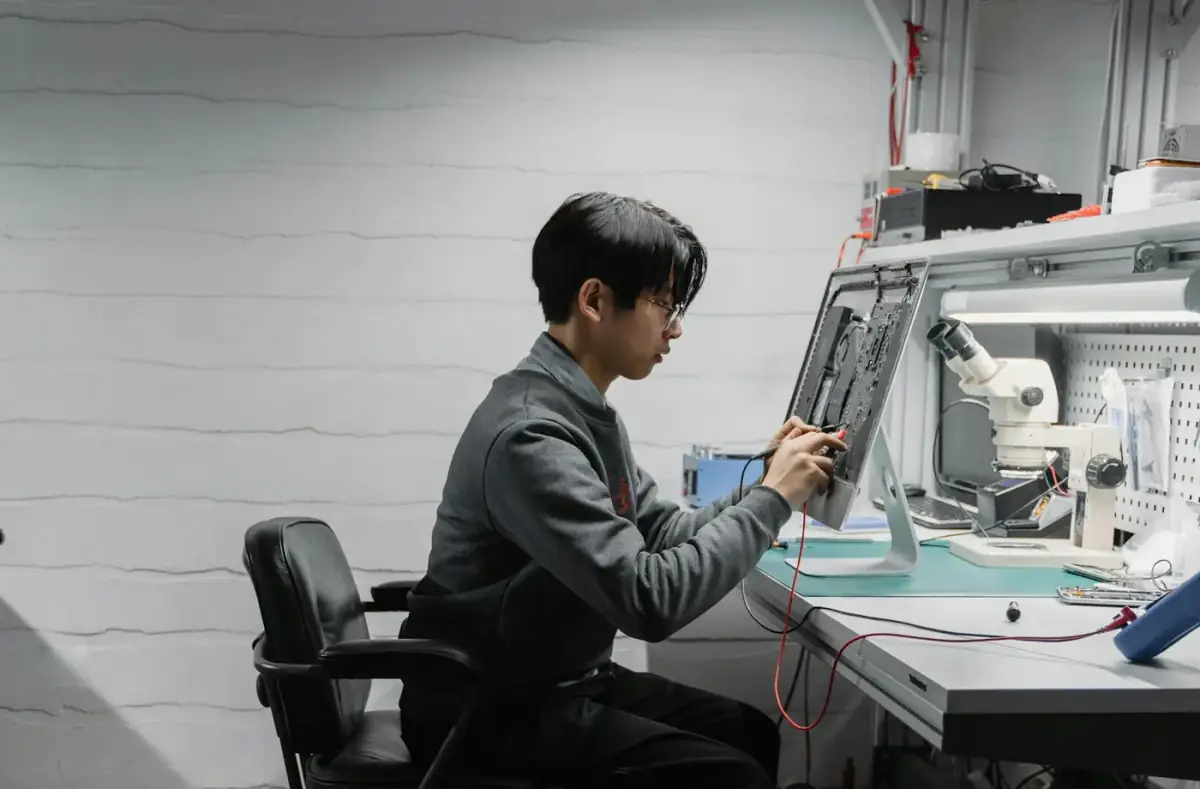

Fix high CPU after a Windows 11 update by checking Task Manager, update completion, startup apps, drivers, scans, and rollback timing.

Author
Gaming PC Analyst
A role-based NexyFix editorial profile for frame pacing, game stability, PC thermals, driver behavior, and realistic performance tuning.
Articles
Browse this author's repair guides, educational explainers, and troubleshooting notes.
Showing 37 of 37 articles.
WindowsFix high CPU after a Windows 11 update by checking Task Manager, update completion, startup apps, drivers, scans, and rollback timing.
PC GamerBefore disabling Windows 11 VBS for gaming, check FPS, drivers, thermals, refresh rate, Game Mode, and security tradeoffs.
PC GamerGTA 6 PC requirements are not official yet. See expected minimum and recommended specs, FPS targets, GPU advice, RAM, SSD, and upgrade tips.
Windows FixesA safe path for Windows Update that starts with restart, storage, network, and built-in settings checks before deeper repair commands.
InstallationPrepare a new SSD for Windows installation with backup checks, BIOS detection, setup media, partition warnings, and safe stop points before formatting anything.
InstallationFormat Windows installer USB media for UEFI boot with the right file system, clean recreation steps, and checks for large install files.
BIOS & BootUnderstand Secure Boot, TPM, and Windows setup requirements before changing firmware settings or bypassing a compatibility warning.
Windows FixesFix missing WiFi after a Windows install by checking airplane mode, adapter state, Windows Update, and official network drivers.
Laptop HelpDiagnose intermittent laptop charging by checking cable angle, adapter rating, USB-C behavior, heat, port damage, and battery warnings.
Gaming PCFind CPU load causes in games by checking shaders, launchers, overlays, background tasks, thermals, and settings one change at a time.
Gaming PCTune Windows gaming settings with Game Mode, startup apps, display refresh rate, power mode, and update checks without risky shortcuts.
Gaming PCRecover from game crashes after a GPU driver update with official rollback, clean reinstall habits, overlay tests, and temperature checks.
Phone HelpSet up phone charging and data connections safely by checking cable fit, charger behavior, USB mode, heat, and port warning signs.
Phone HelpUnderstand USB-C charger wattage, cable ratings, port limits, and heat warnings before using one charger across phones and laptops.
Phone HelpTroubleshoot earbuds that disconnect by checking charge, range, pairing state, device switching, interference, and app audio routing.
Phone HelpCheck magnetic case fit, charging alignment, heat, button pressure, wallet attachments, and accessory interference before daily use.
Phone HelpUnderstand power bank wattage, port labels, cable limits, heat, and why a device may charge slowly even with a large battery pack.
Phone HelpImprove smartwatch battery life by checking display settings, notifications, workouts, always-on mode, GPS, and connection behavior.
Phone HelpCheck Android battery drain after an update with app activity, signal quality, heat, storage, background sync, and safe reset warnings.
Phone HelpCheck magnetic charging accessories for alignment, case thickness, heat, intermittent charging, and damaged-cable stop signs.
Laptop HelpCheck laptop SSD compatibility by matching form factor, interface, slot length, service access, warranty, backup, and reinstall plan.
Laptop HelpCheck laptop SSD upgrade compatibility by matching form factor, interface, slot length, service access, warranty, backup, and reinstall plans.
Phone HelpCheck USB-C cable and charger safety by looking at wattage, cable rating, heat, loose ports, slow charging, and damaged insulation.
PC GamerFind frame pacing, shader compilation, storage, VRAM, overlay, and background-load causes when the FPS counter looks fine.
PC GamerA safe beginner guide to GPU temperature symptoms, airflow checks, fan behavior, dust, and when heat becomes a stop point.
PC GamerTell the difference between CPU limits, background tasks, shader compilation, and actual instability.
PC GamerSpot texture pop-in, stutters, crashes, and settings that overload graphics memory.
PC GamerUnderstand why a game stutters after updates and when waiting, cache rebuilds, or settings changes may help.
PC GamerSet sensible Windows power mode, laptop power state, and GPU mode without disabling safety features.
PC GamerCheck display cable type, Windows display settings, GPU control panel basics, and monitor OSD settings.
PC GamerFix monitor order, full-screen mode, Windows display settings, and launcher preferences.
PC GamerCheck USB, Bluetooth, batteries, sleep settings, dongle placement, and game input settings.
PC GamerSeparate headset, Bluetooth, game voice chat, Windows sound output, drivers, and USB power saving.
PC GamerCheck VRAM use, drivers, game patches, power, temperature, and safe settings rollback.
PC GamerLook for graphics driver resets, storage stalls, overlays, thermals, and display mode problems.
PC GamerReset game settings without deleting saves, then reapply display, audio, and control settings carefully.
PC GamerRecognize repeated shutdowns, overheating, power trips, artifacting, storage errors, and memory instability.
A weekly digest of safe fixes, beginner notes, and practical tech explanations for people who keep devices running.