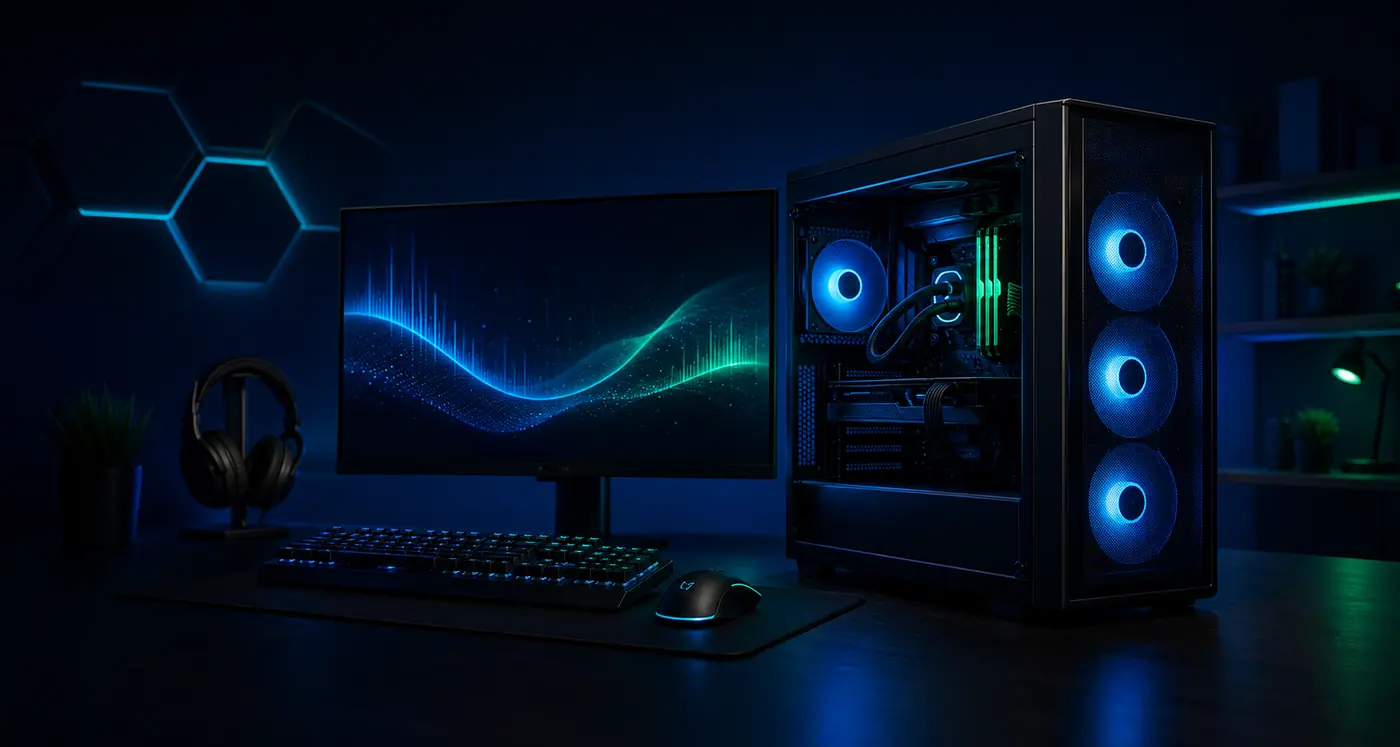

Gaming PCOptimize a Gaming PC Without Risky Registry Tweaks
Optimize a Gaming PC Without Risky Registry Tweaks with symptoms, likely causes, safe quick checks, step-by-step repair decisions, mistakes to avoid, and clear stop points.

Category archive
Performance, stability, thermals, background load, GPU driver, and storage tuning for gaming PCs.
Featured
High-signal articles selected from this archive.
Gaming PCOptimize a Gaming PC Without Risky Registry Tweaks with symptoms, likely causes, safe quick checks, step-by-step repair decisions, mistakes to avoid, and clear stop points.
Gaming PCFix High CPU Usage While Gaming with symptoms, likely causes, safe quick checks, step-by-step repair decisions, mistakes to avoid, and clear stop points.
Gaming PCSet Up a New Gaming PC for Stable Performance with symptoms, likely causes, safe quick checks, step-by-step repair decisions, mistakes to avoid, and clear stop points.
Archive
Filter by format or search within this page to get to the right fix, guide, explanation, or troubleshooting path.
Showing 19 of 19 articles.
Gaming PCOptimize a Gaming PC Without Risky Registry Tweaks with symptoms, likely causes, safe quick checks, step-by-step repair decisions, mistakes to avoid, and clear stop points.
Gaming PCFix High CPU Usage While Gaming with symptoms, likely causes, safe quick checks, step-by-step repair decisions, mistakes to avoid, and clear stop points.
Gaming PCSet Up a New Gaming PC for Stable Performance with symptoms, likely causes, safe quick checks, step-by-step repair decisions, mistakes to avoid, and clear stop points.
Gaming PCA laptop overheating guide that starts with airflow, surfaces, background load, fan behavior, power settings, and safe stop points.
Gaming PCInput Lag Basics for PC Games with plain-English explanation, safety notes, compatibility checks, common mistakes, and clear stop points.
Gaming PCGaming Accessory Latency and Stability Basics with plain-English explanation, safety notes, compatibility checks, common mistakes, and clear stop points.
PC GamerA safe beginner guide to GPU temperature symptoms, airflow checks, fan behavior, dust, and when heat becomes a stop point.
PC GamerTell the difference between CPU limits, background tasks, shader compilation, and actual instability.
PC GamerSpot texture pop-in, stutters, crashes, and settings that overload graphics memory.
PC GamerUnderstand why a game stutters after updates and when waiting, cache rebuilds, or settings changes may help.
PC GamerSet sensible Windows power mode, laptop power state, and GPU mode without disabling safety features.
PC GamerCheck display cable type, Windows display settings, GPU control panel basics, and monitor OSD settings.
PC GamerFix monitor order, full-screen mode, Windows display settings, and launcher preferences.
PC GamerCheck USB, Bluetooth, batteries, sleep settings, dongle placement, and game input settings.
PC GamerSeparate headset, Bluetooth, game voice chat, Windows sound output, drivers, and USB power saving.
PC GamerCheck VRAM use, drivers, game patches, power, temperature, and safe settings rollback.
PC GamerLook for graphics driver resets, storage stalls, overlays, thermals, and display mode problems.
PC GamerReset game settings without deleting saves, then reapply display, audio, and control settings carefully.
PC GamerRecognize repeated shutdowns, overheating, power trips, artifacting, storage errors, and memory instability.
A weekly digest of safe fixes, beginner notes, and practical tech explanations for people who keep devices running.