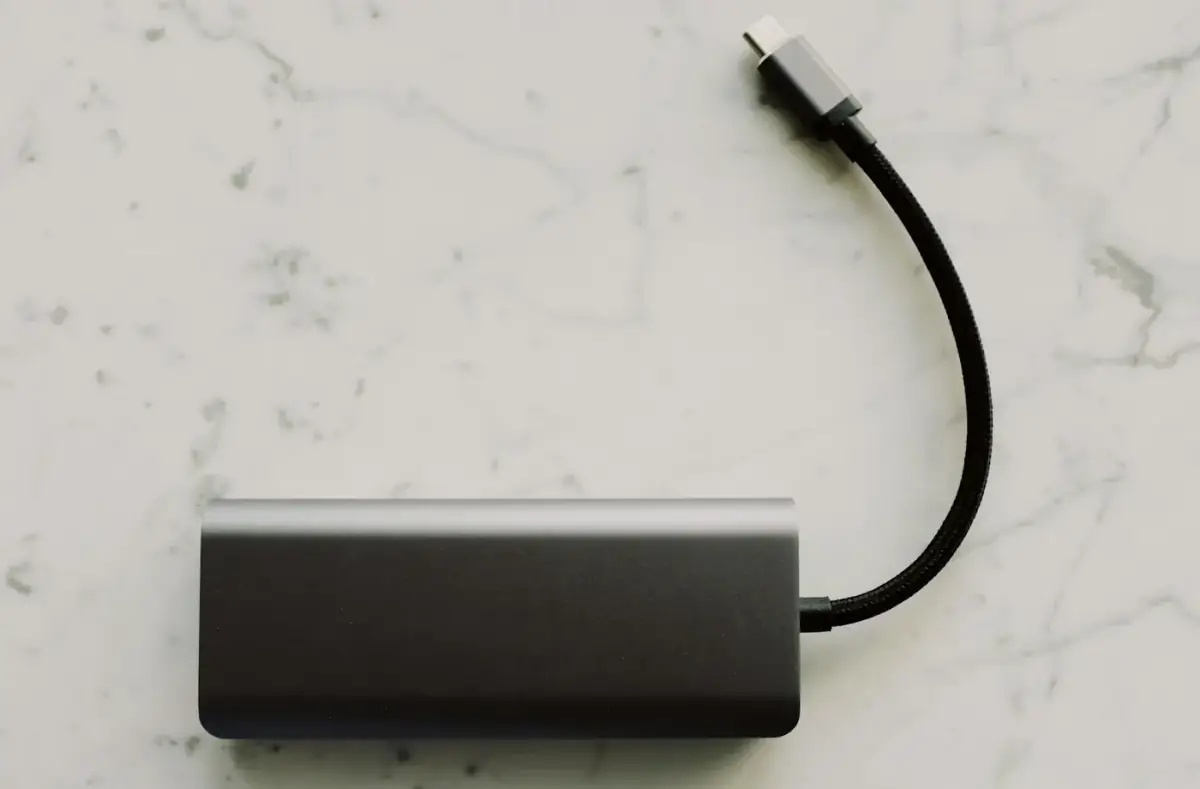
Power Bank Wattage Explained for Phones and Handhelds
Understand power bank wattage, port labels, cable limits, heat, and why a device may charge slowly even with a large battery pack.
 By NexyFix Gaming DeskGaming PC AnalystPublished Mar 13, 2026Updated Mar 17, 20269 min readIntermediate
Guided repair
Power bank wattage explained for phones and handhelds
Use this when a power bank charges one device well but struggles with another. The goal is to read output labels, understand port sharing, cable limits, heat, and when slow charging is normal.
Time needed
10-25 minutes
Difficulty
Beginner
Risk level
Low
Applies to
Symptoms
- Phone fast charges but handheld does not
- Power bank shuts off under load
- One port is faster than another
- Charging slows when two devices connect
- Cable gets warm
Common causes
- Port wattage limit
- Cable limit
- Power sharing
- Low bank battery
- Device requires more power
- Heat protection
Before you start
Prepare a safe repair session
- Inspect the bank for swelling, cracks, heat, or damaged ports.
- Use a known-good cable.
- Test one device at a time.
- Stop for swollen battery, heat, burning smell, liquid damage, melted plastic, damaged cable, or a loose charging port.
Quick path
Try the safest checks first
Step 1
Read the output labels by port
Power banks can have different wattage on different ports.
Exact path to follow
- 1Find Output labels near each port.
- 2Look for USB-C output and total output notes.
- 3Use the highest supported port for larger devices.
- 4Test one device only.
Expected result
You know which port is intended for higher power.
If it worked
Use the correct port.
If it did not work
Check cable and power sharing.
Step 2
Test with one device and one cable
Multiple devices or weak cables hide the real wattage limit.
Exact path to follow
- 1Disconnect all other devices.
- 2Use a known-good cable.
- 3Connect the target device.
- 4Watch charging behavior for 10 minutes.
Expected result
The bank-device pair is tested cleanly.
If it worked
Use that setup if stable.
If it did not work
Check cable rating or device demand.
Does the device charge correctly when it is the only device connected?
Yes
Avoid port sharing for that device.
No
Check cable, output rating, heat, or compatibility.
Did the quick path fix the problem?
Yes
Stop here and write down what worked.
No
Continue with the detailed steps below.
Detailed steps
Move one step at a time
Step 3
Account for cable limits
The cable is part of the charging system, not just a wire.
Exact path to follow
- 1Try a cable known to support the device.
- 2Avoid frayed or loose cables.
- 3Do not use mystery cables for high-power devices.
- 4Retest.
Expected result
Cable limits are ruled in or out.
If it worked
Use the working cable.
If it did not work
Check device demand.
Step 4
Understand device demand
Handhelds and larger devices may need more power than a small power bank can provide.
Exact path to follow
- 1Check the device's normal charger rating.
- 2Compare it to power bank output.
- 3Expect slower charging if the bank is weaker.
- 4Avoid using the device heavily while testing.
Expected result
Slow charging is understood as a power limit or another issue.
If it worked
Use a suitable bank or lower load.
If it did not work
Do not force unsafe charging.
Step 5
Watch for heat and shutdowns
Power banks may reduce output or shut off when hot or overloaded.
Exact path to follow
- 1Charge on a hard surface.
- 2Avoid direct sun or hot cars.
- 3Check bank and cable temperature.
- 4Stop if hot, swollen, or damaged.
Expected result
Heat or overload is identified.
If it worked
Use a cooler, lower-load setup.
If it did not work
Retire unsafe power bank.
Advanced checks
Use only after the safe path
Step 6
Decide if the power bank is the wrong tool
Some devices need a stronger bank or wall power.
Exact path to follow
- 1If the device drains while plugged in, compare its power need to bank output.
- 2If the bank shuts off, test a lower-power device.
- 3If only large devices fail, use wall power or a suitable bank.
- 4Do not push unsafe adapters.
Expected result
The limitation is recognized before replacement guesses.
If it worked
Use the right power source.
If it did not work
Retire unsafe or incompatible gear.
Stop here
Stop for power bank heat or swelling
Wattage confusion is normal; battery-pack damage is a stop sign.
- Stop if swollen.
- Stop if hot or smelling.
- Stop before opening the bank.
Mistakes to avoid
- Do not judge wattage while charging multiple devices.
- Do not use damaged cables.
- Do not open a power bank.
- Do not expect capacity rating to equal charging speed.
When to ask a technician
- Power bank swells.
- Ports spark or smell.
- Cable or bank gets hot.
- Known-good gear fails across multiple devices.
Guided repair FAQ
Is capacity the same as wattage?
No. Capacity is stored energy. Wattage is how much power the bank can output at a time.
Why does my handheld lose battery while plugged in?
The handheld may use more power than the bank and cable can provide, especially while gaming.
Should I use a random tool to fix power bank wattage?
No. Start with built-in settings, official support paths, reversible checks, and known-good cables or accessories. Unknown repair tools often add risk without proving the cause.
What is the safest way to test?
Change one thing, test the same symptom, and stop when the problem is fixed. Avoid stacking several changes because you will not know what helped.
Related guides
Was this helpful?
Your feedback helps NexyFix improve future repair guides and beginner explanations.

NexyFix Gaming Desk
View author profileGaming PC Analyst
A role-based NexyFix editorial profile for frame pacing, game stability, PC thermals, driver behavior, and realistic performance tuning.
Related articles
 Phone ChargingHow to Fix iPhone Charger Port Not Working: Safe Checks FirstiPhone charger port not working? Try safe checks for lint, cable problems, adapter issues, moisture warnings, loose charging, and when to get repair help.Phone ChargingiPhone Charger Cable Not Working: Safe Charging ChecksIf your iPhone charger cable is not working, check the cable, adapter, outlet, charging port, temperature, and backup options before replacing parts.