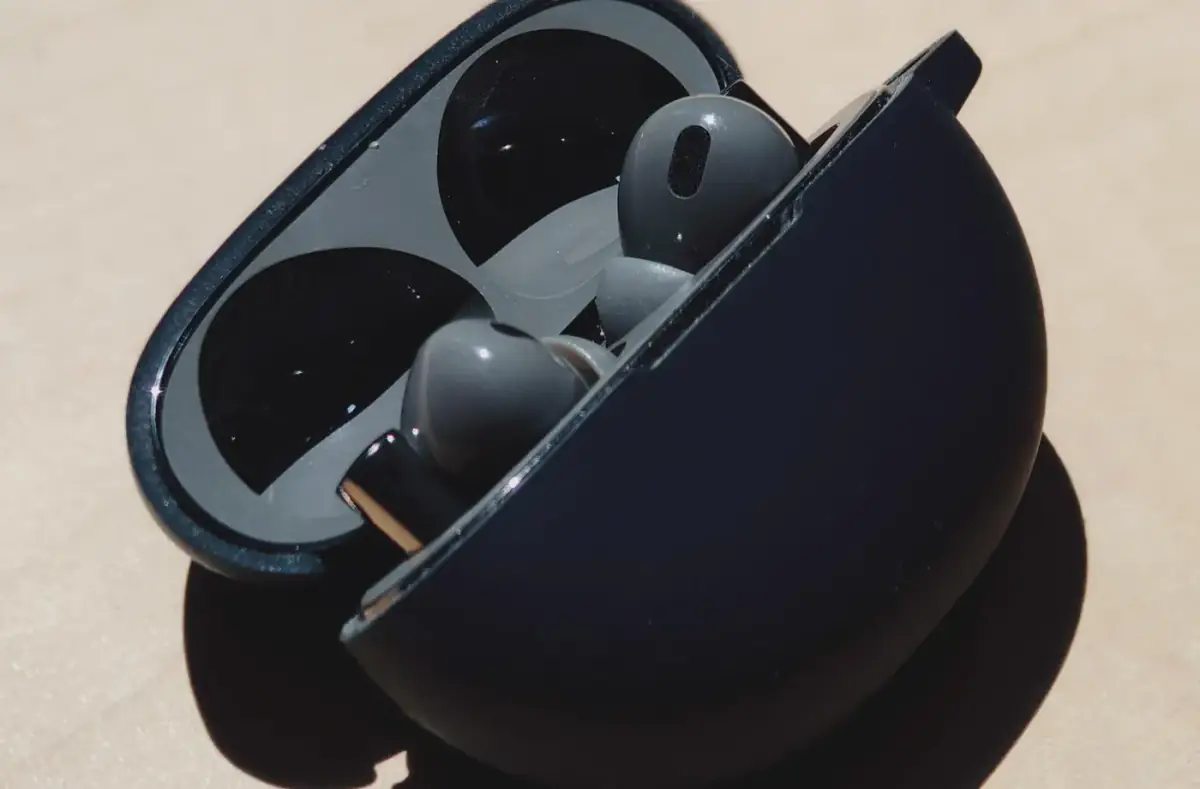
Fix Earbuds That Keep Disconnecting
Troubleshoot earbuds that disconnect by checking charge, range, pairing state, device switching, interference, and app audio routing.
 By NexyFix Gaming DeskGaming PC AnalystPublished Mar 21, 2026Updated Mar 25, 20268 min readBeginnerBeginner friendly
Guided repair
Fix earbuds that keep disconnecting
Use this when wireless earbuds drop audio, switch devices, disconnect in one ear, or reconnect repeatedly. Start with battery, distance, stale pairing, multipoint, and app settings before replacing earbuds.
Time needed
10-30 minutes
Difficulty
Beginner
Risk level
Low
Applies to
Symptoms
- One earbud drops out
- Audio cuts out near the phone
- Earbuds switch to another device
- Pairing repeats every few minutes
- Calls drop but music works
Common causes
- Low earbud or case battery
- Stale Bluetooth pairing
- Multipoint conflict
- Too much distance or body blocking
- Dirty charging contacts
- Firmware or app issue
Before you start
Prepare a safe repair session
- Charge earbuds and case.
- Keep phone and earbuds close for testing.
- Disconnect other nearby paired devices for one test.
- Do not open earbuds or charging cases.
Quick path
Try the safest checks first
Step 1
Charge and test close to the phone
Low battery and weak signal are the easiest causes to rule out.
Exact path to follow
- 1Charge the earbuds and case.
- 2Stand close to the phone.
- 3Play audio for 10 minutes.
- 4Avoid pockets, walls, and other devices for the first test.
Expected result
You know whether battery or distance is involved.
If it worked
Stop if the connection is stable.
If it did not work
Forget and re-pair the earbuds.
Do the earbuds stay connected close to the phone?
Yes
Distance, pocket placement, or interference may be the cause.
No
Continue with re-pairing.
Step 2
Forget and pair again
Old pairing records can break after phone, earbud, or OS updates.
Exact path to follow
- 1Open Bluetooth settings.
- 2Forget or remove the earbuds.
- 3Restart the phone.
- 4Put earbuds in pairing mode.
- 5Pair again and test.
Expected result
A fresh pairing record is created.
If it worked
Stop if stable.
If it did not work
Check multipoint and earbud app settings.
Did the quick path fix the problem?
Yes
Stop here and write down what worked.
No
Continue with the detailed steps below.
Detailed steps
Move one step at a time
Step 3
Turn off multipoint for testing
Earbuds can switch between phone, laptop, tablet, and watch if multipoint is active.
Exact path to follow
- 1Disconnect earbuds from other devices.
- 2Turn off multipoint in the earbud app if available.
- 3Test only one phone for 15 minutes.
- 4Reconnect other devices one at a time.
Expected result
Device-switching dropouts are confirmed or ruled out.
If it worked
Leave multipoint off for problem devices.
If it did not work
Continue to contacts and app updates.
Step 4
Clean charging contacts gently
One earbud can drop if it never charges fully in the case.
Exact path to follow
- 1Power off or case the earbuds.
- 2Inspect contacts.
- 3Use a dry soft cloth.
- 4Do not scrape with metal or use liquid.
- 5Charge again and retest.
Expected result
Both earbuds charge reliably.
If it worked
Stop if battery was the issue.
If it did not work
Check app or firmware updates.
Step 5
Update the earbud app or phone software
Earbud firmware and phone Bluetooth updates can fix disconnect patterns.
Exact path to follow
- 1Use the official earbud app if you already trust it.
- 2Install normal phone updates.
- 3Restart phone and earbuds.
- 4Test again with one device.
Expected result
Connection is stable on current software.
If it worked
Stop.
If it did not work
Use warranty or support if disconnects continue.
Advanced checks
Use only after the safe path
Step 6
Decide whether the battery or hardware is failing
Tiny earbud batteries wear out and cases can fail, but opening them is not beginner repair.
Exact path to follow
- 1Compare left and right battery drain.
- 2Check whether one earbud dies quickly.
- 3Test with another phone if possible.
- 4Use warranty or replacement support instead of opening earbuds.
Expected result
Hardware failure is recognized without unsafe repair.
If it worked
Use warranty or replace responsibly.
If it did not work
Use known-good earbuds if needed.
Stop here
Stop for earbud battery or heat signs
Earbuds and cases contain small batteries. Keep troubleshooting outside the hardware.
- Stop if the case gets hot.
- Stop if swelling appears.
- Stop before prying open sealed earbuds.
Mistakes to avoid
- Do not open earbuds.
- Do not scrape contacts with metal.
- Do not test while connected to several devices.
- Do not assume the phone is broken before re-pairing.
When to ask a technician
- Earbud or case gets hot.
- Battery swelling appears.
- Case will not charge with known-good cable.
- One earbud dies in minutes after full charge.
Guided repair FAQ
Why does one earbud disconnect first?
It may have lower battery, dirty charging contacts, a weak internal battery, or pairing state that needs reset.
Why do earbuds switch to my laptop?
Multipoint or previous pairing can pull audio to another device. Test with only one device connected.
Should I use a random tool to fix earbud disconnects?
No. Start with built-in settings, official support paths, reversible checks, and known-good cables or accessories. Unknown repair tools often add risk without proving the cause.
What is the safest way to test?
Change one thing, test the same symptom, and stop when the problem is fixed. Avoid stacking several changes because you will not know what helped.
Related guides
Was this helpful?
Your feedback helps NexyFix improve future repair guides and beginner explanations.

NexyFix Gaming Desk
View author profileGaming PC Analyst
A role-based NexyFix editorial profile for frame pacing, game stability, PC thermals, driver behavior, and realistic performance tuning.
Related articles
 Phone ChargingHow to Fix iPhone Charger Port Not Working: Safe Checks FirstiPhone charger port not working? Try safe checks for lint, cable problems, adapter issues, moisture warnings, loose charging, and when to get repair help.Phone ChargingiPhone Charger Cable Not Working: Safe Charging ChecksIf your iPhone charger cable is not working, check the cable, adapter, outlet, charging port, temperature, and backup options before replacing parts.