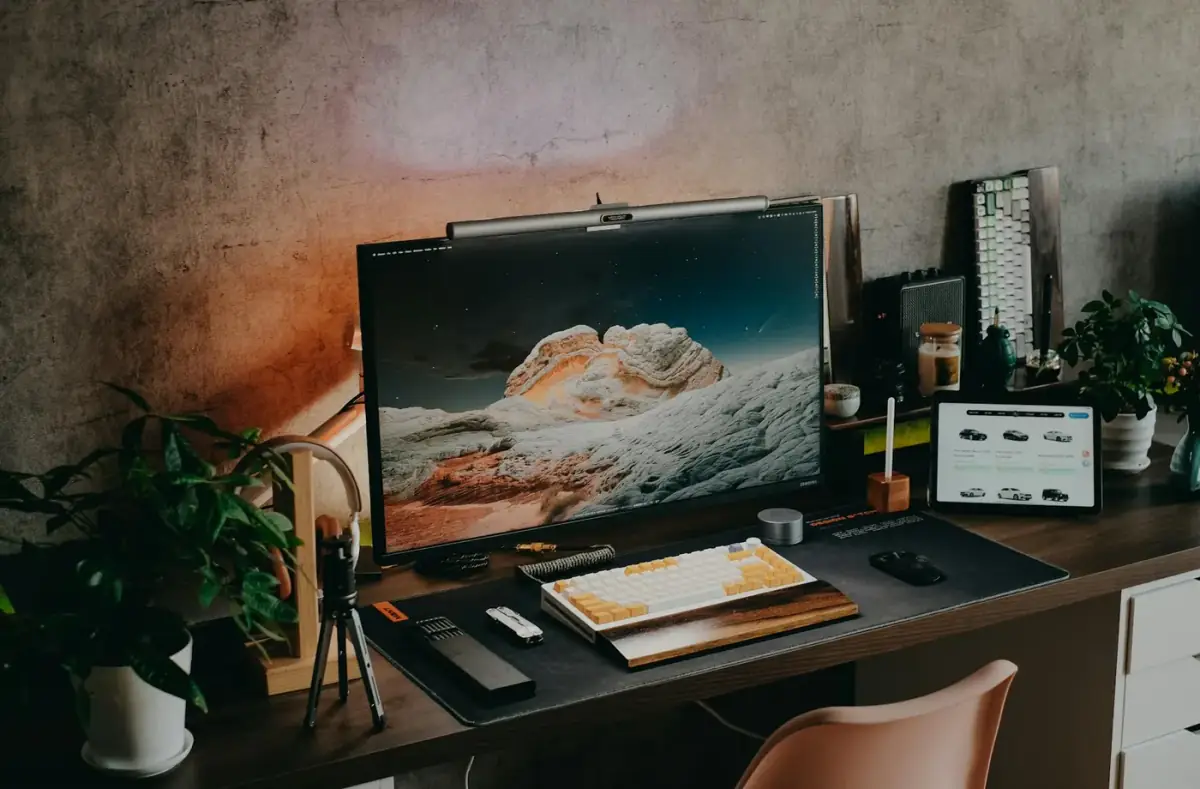
Gaming PCHow to Boost FPS on a Low-End PC Safely
Improve FPS on a low-end PC with reversible graphics, startup, driver, storage, and heat checks instead of risky registry tricks.

Category archive
FPS boost guides for low-end PCs, competitive games, drivers, graphics settings, background apps, heat checks, and safer tuning.
Featured
High-signal articles selected from this archive.
Gaming PCImprove FPS on a low-end PC with reversible graphics, startup, driver, storage, and heat checks instead of risky registry tricks.
Gaming PCTune Windows gaming settings with Game Mode, startup apps, display refresh rate, power mode, and update checks without risky shortcuts.
Archive
Search the finished guide set to get to the right fix, explanation, or troubleshooting path.
Showing 3 of 3 articles.
Gaming PCRaise competitive-game FPS while preserving clarity by testing resolution scale, motion blur, anti-aliasing, VSync, and refresh-rate settings.
Gaming PCIdentify whether low FPS is tied to GPU, CPU, memory, storage, heat, drivers, or in-game settings before buying parts.
PC GamerFind frame pacing, shader compilation, storage, VRAM, overlay, and background-load causes when the FPS counter looks fine.
A weekly digest of safe fixes, beginner notes, and practical tech explanations for people who keep devices running.