iPhone storage full checklist
Find photos, videos, messages, app data, downloads, and backup options before deleting important files.
On-page checklistChecklist above
iPhone battery draining fast
Check battery health, screen time, background activity, signal quality, iOS updates, and heat.
On-page checklistChecklist above
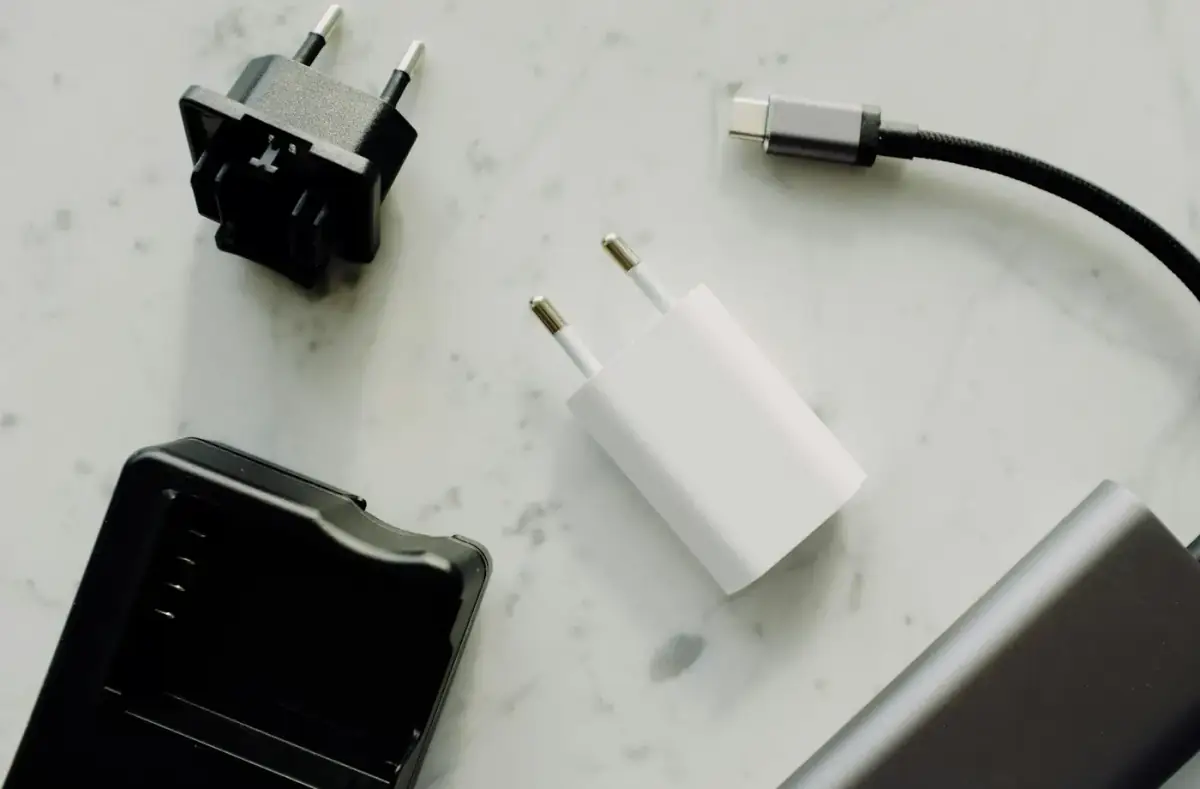
iPhone charging safety and cable compatibility
Understand cable fit, charger behavior, heat, port warnings, and accessory compatibility basics.
On-page checklistChecklist above
iPhone charger cable not working
Check outlet, cable, adapter, port debris, temperature, restart steps, and unsafe charging signs before replacing parts.
Apple iPhone Overheating: Safe Checks
Separate heat from charging, direct sun, gaming, poor signal, backup restore, and possible hardware trouble.
On-page checklistChecklist above
iOS update stuck
Check WiFi, storage, battery, update stage, restart behavior, and when to wait instead of interrupting.
On-page checklistChecklist above
iPhone will not turn on
Try safe charging and restart checks, then stop for heat, liquid damage, swelling, or repeated shutdowns.
On-page checklistChecklist above
Face ID Not Working: Safe Checks
Check camera coverage, settings, recent repairs, lighting, iOS updates, and when hardware may be involved.
On-page checklistChecklist above
iPhone Bluetooth not connecting
Clear stale pairings, restart Bluetooth, test range, check accessory battery, and avoid unnecessary resets first.
On-page checklistChecklist above
AirPods disconnecting from iPhone
Check battery, distance, automatic switching, Bluetooth state, firmware context, and pairing reset basics.
On-page checklistChecklist above
iCloud backup not completing
Check WiFi, storage, power, account status, backup size, and what is actually included.
On-page checklistChecklist above
iPhone cable compatibility basics
Understand charging, data transfer, connector fit, cable wear, and safety warning signs.
On-page checklistChecklist above
iPhone screen too dim or too bright
Check brightness, auto-brightness, True Tone, focus modes, heat dimming, and display hardware clues.
On-page checklistChecklist above
iPhone apps keep crashing
Update apps, restart, check storage, account state, network, and whether one app or all apps are affected.
On-page checklistChecklist above
iPhone WiFi not working
Check router, forget and rejoin, VPN, private address, date/time, and whether other devices connect.
On-page checklistChecklist above
Transfer to a new iPhone checklist
Prepare backups, account passwords, two-factor codes, storage, charging, and verification before wiping the old phone.
On-page checklistChecklist above
iPhone travel charging and connection basics
Prepare cables, adapters, roaming, backups, offline access, and charging safety before travel.
On-page checklistChecklist above
Magnetic charging accessory safety checks
Check alignment, heat, case thickness, charging behavior, and stop points for damaged accessories.
On-page checklistChecklist above
Phone protection basics explained
Understand grip, edge coverage, heat, drops, and why protection is not a guarantee against damage.
On-page checklistChecklist above
Phone case materials, grip, heat, and drop protection
Learn how case design affects heat, grip, button feel, wireless charging, and everyday durability.
On-page checklistChecklist above
Loose phone case buttons or poor fit
Check whether a case blocks buttons, traps heat, pushes screen protectors, or interferes with ports.
On-page checklistChecklist above
iPhone mobile data not working
Check signal, cellular toggle, SIM/eSIM status, roaming, carrier settings, and account-related issues.
On-page checklistChecklist above
iPhone notifications not appearing
Review focus modes, notification permissions, summary settings, app settings, and background refresh.
On-page checklistChecklist above
iPhone microphone or speaker not working
Check app permissions, Bluetooth routing, cleaning limits, audio output, and hardware damage signs.
On-page checklistChecklist above
iPhone stuck on Apple logo
Understand update loops, storage issues, restart behavior, recovery options, and backup risk.
On-page checklistChecklist above
iPhone backup before factory reset
Verify iCloud or computer backup, photos, messages, authenticator apps, and account access before resetting.
On-page checklistChecklist above
iPhone screen touch not responding
Check case pressure, screen protector, moisture, restart, accessibility settings, and repair warning signs.
On-page checklistChecklist above
iPhone storage cleanup before iOS update
Free space safely for updates without deleting original photos or app data you still need.
On-page checklistChecklist above
iPhone account lock or password confusion
Separate device passcode, Apple Account, app passwords, and when official account recovery is required.
On-page checklistChecklist above
When iPhone repair needs a technician
Stop for swelling, liquid damage, cracked battery area, port damage, severe heat, or repeated shutdowns.
On-page checklistChecklist above

 Phone Help