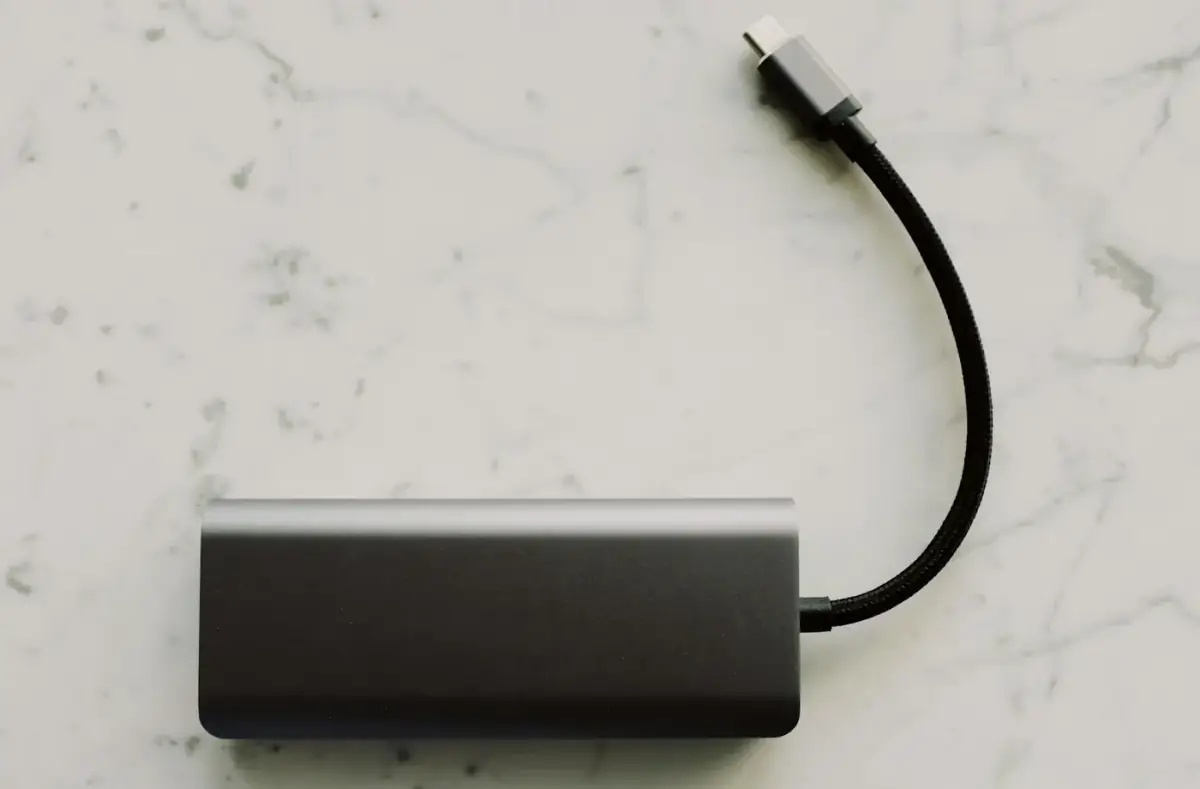
Power Bank Capacity and Safety Explained
Understand power bank capacity, wattage, cables, heat, travel safety, and when to stop using a damaged pack.
 By NexyFix Windows DeskWindows Repair EditorPublished Mar 14, 2026Updated May 5, 20267 min readBeginnerUpdated recentlyBeginner friendly
Guided repair
Power bank capacity and safety explained
This educational guide helps you understand why a power bank's printed capacity does not equal the exact phone charge you receive, and how to use portable batteries safely.
Time needed
10-20 minutes
Difficulty
Beginner
Risk level
Medium
Applies to
Symptoms
- Power bank gives fewer charges than expected
- Power bank gets warm
- Fast charging does not work
- Power bank shuts off early
Common causes
- Conversion loss
- Cable limits
- Port wattage limits
- Heat
- Old battery cells
- Device charging behavior
Before you start
Prepare a safe repair session
- Stop using swollen, damaged, or unusually hot power banks.
- Use intact cables.
- Keep power banks away from direct heat.
- Do not charge on soft bedding.
Quick path
Try the safest checks first
Step 1
Understand printed capacity
The mAh number is measured at the battery cell voltage, not always at the voltage your phone receives.
Exact path to follow
- 1Read the printed capacity.
- 2Expect conversion loss during USB output.
- 3Compare watt-hours if listed.
- 4Do not expect 100 percent transfer efficiency.
Expected result
Capacity expectations become realistic.
If it worked
Use the power bank with realistic expectations.
If it did not work
Check cable, port, and device behavior.
Step 2
Check port and cable limits
Fast charging depends on the power bank, port, cable, phone, battery level, and temperature.
Exact path to follow
- 1Use the USB-C port intended for output.
- 2Use an intact cable rated for the needed charging mode.
- 3Test one device at a time.
- 4Check whether heat slows charging.
Expected result
Charging speed matches the weakest supported part.
If it worked
Keep the safe cable and port combination.
If it did not work
Check safety signs.
Did the quick path fix the problem?
Yes
Stop here and write down what worked.
No
Continue with the detailed steps below.
Detailed steps
Move one step at a time
Step 3
Watch for heat and swelling
Battery packs can become unsafe if damaged, swollen, wet, or overheating.
Exact path to follow
- 1Feel for unusual heat.
- 2Inspect for swelling or case separation.
- 3Check for smell, hissing, or leakage.
- 4Stop using immediately if any appear.
Expected result
Unsafe battery signs are caught early.
If it worked
Use normal charging habits.
If it did not work
Stop using the power bank.
Step 4
Store and charge safely
Charging habits affect battery safety and long-term reliability.
Exact path to follow
- 1Charge on a hard surface.
- 2Avoid direct sun and soft bedding.
- 3Use an intact charger and cable.
- 4Store partially charged for long gaps when possible.
Expected result
The power bank is used with lower heat and damage risk.
If it worked
Keep these habits.
If it did not work
Retire damaged accessories.
Step 5
Test a slow or unreliable power bank
A bad cable, overloaded port, or aging battery can explain poor behavior.
Exact path to follow
- 1Try one known-good cable.
- 2Charge one device at a time.
- 3Try another device.
- 4Stop if the power bank gets hot or shuts off repeatedly.
Expected result
You know whether the problem is cable, device, port, or power bank.
If it worked
Use the reliable setup.
If it did not work
Retire or service the power bank.
Advanced checks
Use only after the safe path
Step 6
Prepare an emergency kit safely
Emergency batteries need periodic checks, safe storage, and known-good cables.
Exact path to follow
- 1Label the power bank capacity and date checked.
- 2Keep a matching cable.
- 3Recharge periodically.
- 4Inspect for swelling before trips.
Expected result
The power bank is ready and safe when needed.
If it worked
Check it on a schedule.
If it did not work
Replace unsafe gear responsibly.
Stop here
Stop using unsafe battery packs
Portable batteries are useful, but damaged cells are not worth the risk.
- Stop for swelling.
- Stop for heat, smell, or leakage.
- Stop after water damage.
Mistakes to avoid
- Do not use swollen battery packs.
- Do not trust capacity claims as exact phone charges.
- Do not charge damaged packs unattended.
When to ask a technician
- The pack is swollen, leaking, or hot.
- It was dropped hard or got wet.
- A port sparks, smells, or melts a cable.
Guided repair FAQ
Why does a power bank not fully match its mAh claim?
Conversion losses, voltage differences, cable losses, heat, and device charging behavior reduce real-world delivered energy.
Can a power bank fast charge every phone?
No. The phone, cable, port, charging standard, battery level, and heat all matter.
Why does NexyFix avoid one-click repair tools here?
They usually hide what changed. This guide keeps each repair step visible, reversible, and tied to the symptom you actually see.
What note should I keep while testing?
Write down the exact error, device name, setting, cable, update, or hardware clue that changed the symptom. That note helps choose the next narrow guide.
Related guides
Was this helpful?
Your feedback helps NexyFix improve future repair guides and beginner explanations.

NexyFix Windows Desk
View author profileWindows Repair Editor
A role-based NexyFix editorial profile for practical Windows repair and install guides with a focus on safe, reversible troubleshooting.
Related articles
 Phone ChargingHow to Fix iPhone Charger Port Not Working: Safe Checks FirstiPhone charger port not working? Try safe checks for lint, cable problems, adapter issues, moisture warnings, loose charging, and when to get repair help.Phone ChargingiPhone Charger Cable Not Working: Safe Charging ChecksIf your iPhone charger cable is not working, check the cable, adapter, outlet, charging port, temperature, and backup options before replacing parts.